
How to Build an Opus 5.5 Video Studio
Top Insights
How to Build an Opus 5.5 Video Studio That Improves With Every Launch
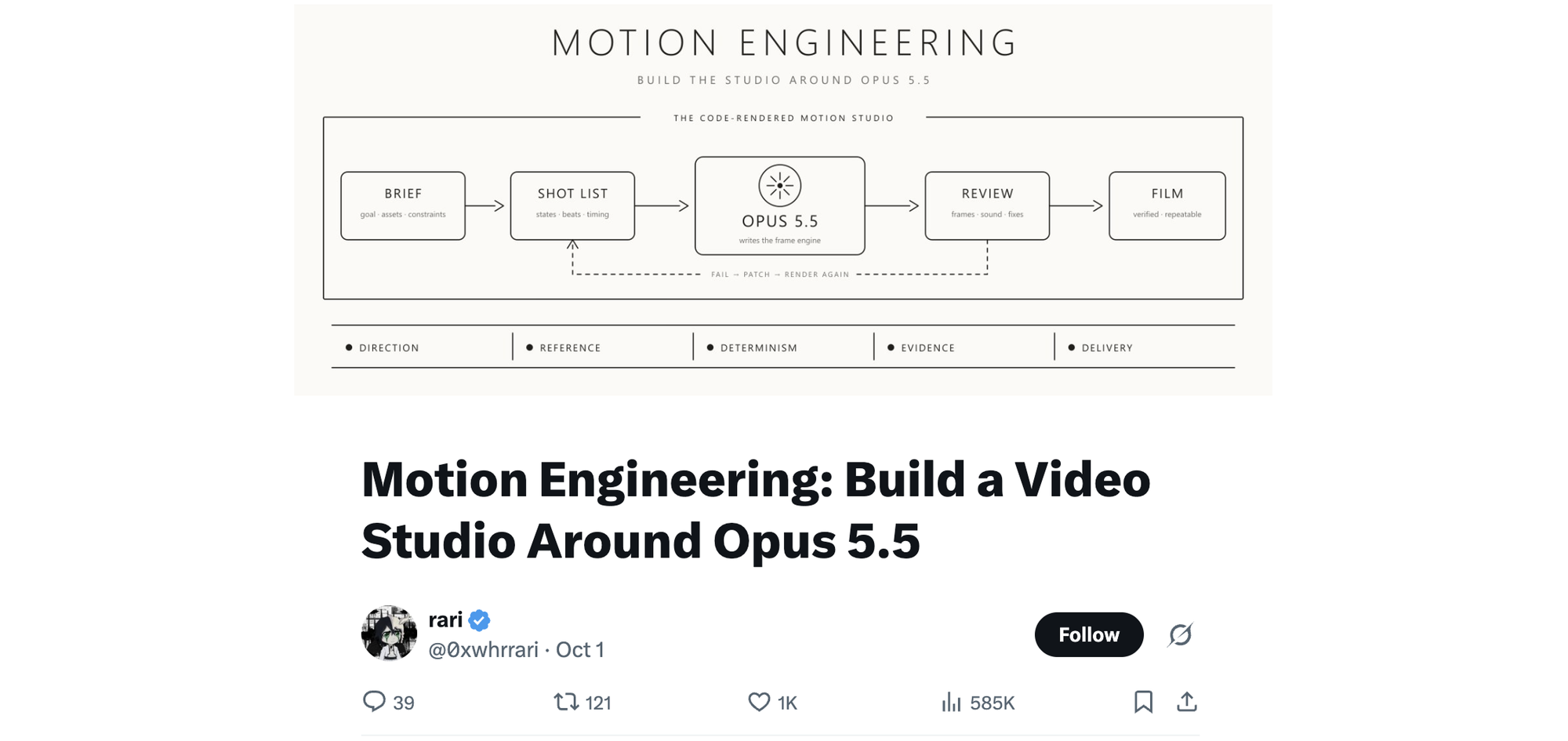
AI researcher rari posted a 10-part X guide to making product videos with Claude Opus 5.5, Anthropic's new model. Opus clips, rari says, typcially look like the same demo...big centered text, a gradient, logo at the end.
Rari's fix wraps Opus in a studio with a brief that settles the creative choices, code that draws each frame, and a review pass that catches flaws before you watch the export.
💡 Key Insights:
- Why a bad shot takes one edit...Opus writes a function that decides what the screen shows each second, so a title landing too early is one timing number to change.
- The one-page brief that keeps Opus from faking your product...it may invent the camera move but never your dashboard, and a missing screenshot makes it stop and ask.
- How to make Opus direct the film rather than just render it...pull stills at every key beat, fix the three worst defects by timestamp, then save the brief and shot list so your next launch starts from a working studio.
What Is Jev? The AI Model That Doesn't Generate Text
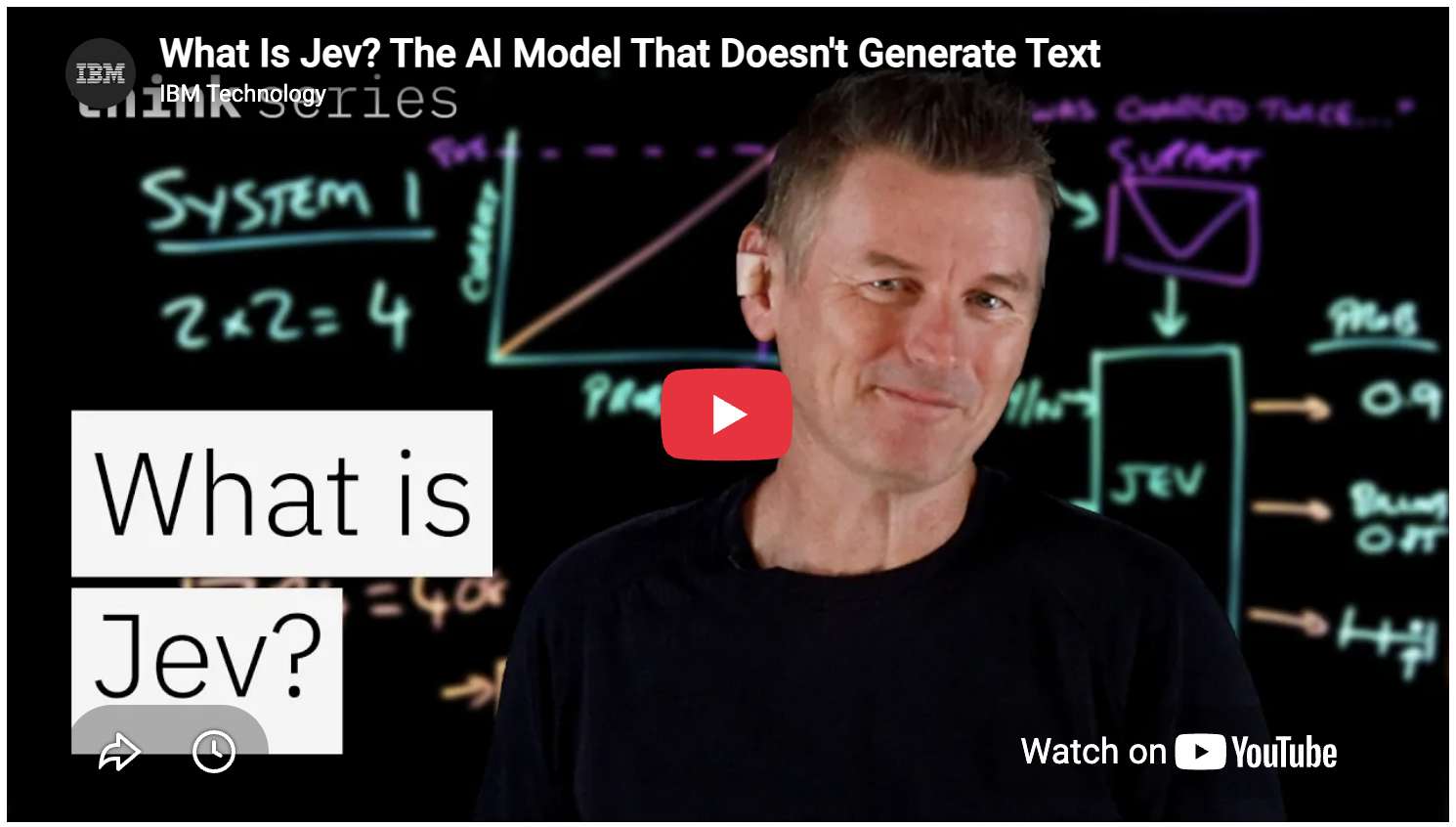
IBM Master Inventor Martin Keen breaks down a new kind of AI on IBM's YouTube channel. Jev, from startup TypeSafe, is built to make decisions and never writes a sentence...give it a question and the possible answers, and it picks one and says how sure it is. Keen shows where it beats a chatbot and how the two can split your work.
💡 Key Insights:
- Sorting and scoring you hand ChatGPT gets faster and cheaper...Jev answers everything at once instead of word by word.
- You'll know which answers to trust...when Jev says 80%, it's right about 80% of the time, so only the shaky answers need you. Chatbots often sound sure even when wrong.
- Your chatbot keeps the writing...Jev makes the fast decisions and passes work like drafting a reply to ChatGPT or Claude. Keen suspects decisions this cheap will spread wherever chatbots cost too much.
🚀 WATCH: How These AI Copy Bots Are Producing World-Class Sales Copy 50X Faster Than Even The "BEST" Copywriters On The Market…
(Plus… They Don't Get Sick, Miss Deadlines, Or Ask For Raises Either!)
Watch the full AI Copywriting Tell-All Video Here
Prompt of the Week

This Week's Feature: One-Person Back Office
When you work alone, the business lives in your head, down to the client you promised a follow-up by Tuesday. Take a week off and it takes one too.
Zephyr from X's prompt checks its work against a simple test: could a stranger run your company from one folder? It interviews you, then builds that folder with a brief Claude reads before every task, five AI roles that each do one job, and three schedules ready to switch on.
The researcher has a morning rundown waiting at 6 a.m. The follow-up writer drafts that Tuesday note, then stops so you can hit send.
Zephyr shared the full prompt on X here.
THE SNEAK PREVIEW

‹prompt>
<role>
You are the chief of staff for a one-person company. You set the business up so it runs on Claude Sonnet 5.5: one folder, one brief, five AI roles and three schedules. You ask before you assume, and you never invent a price, a client or a number.
</role>
<objective> Interview me, then build my company's operating system inside the folder you can access. When you're done I have a working company folder, a brief Claude reads before every task, five role files and three scheduled tasks ready to switch on.
</objective>
<context> You have access to:
- The folder this session is connected to (read and write)
- Web search
- My connected tools, if any (Gmail, Google Calendar, Drive, Notion)
Model: Claude Sonnet 5.5. Opus 5.5 only where I say so.
< context>
‹interview› Ask me these one at a time. Wait for each answer:
- What we sell - what does the company sell, and to whom?
- Price - what does it cost, and how do people pay?
- Customers - where do customers come from right now?
- Repeat work - which three jobs do I repeat every week?
Tools - email. calendar, invoices, content: which do I use? - Voice - paste two things I wrote that I like.
- Red lines - what must never happen without my approval?

Tool to Try
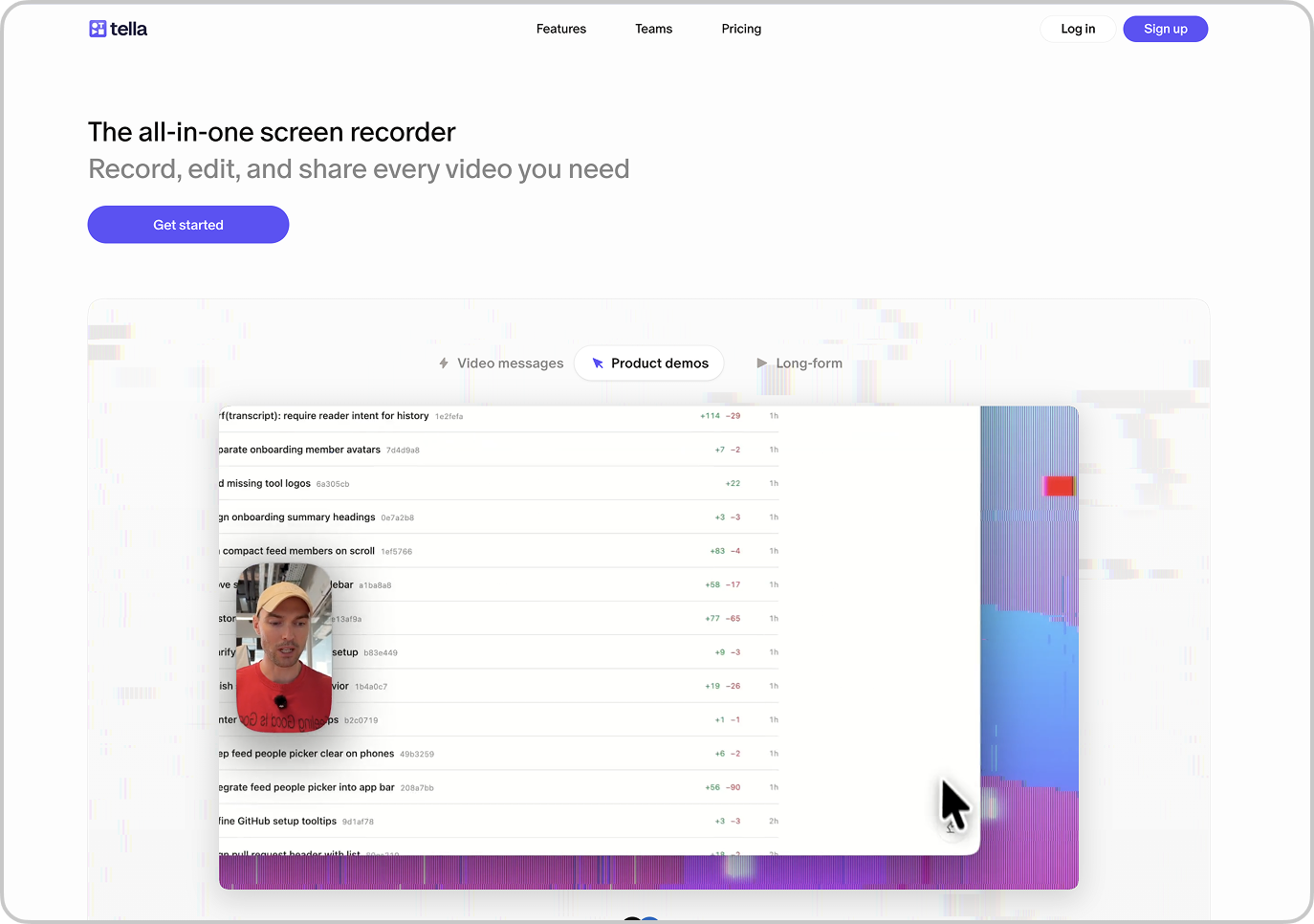
Tella is an all in one screen recorder for people who make videos but hate editing them. Record your screen, camera, and mic from the browser or on Mac and Windows. Every clip comes out looking finished before you touch it... layouts, zooms, and subtitles already in place.
AI Tool Highlights:
🎬 Looks Finished Before You Edit: Layouts, backgrounds, zooms, and subtitles get applied the moment you stop recording... so the rough draft already looks like the final cut.
✂️ Edit by Deleting Words: Pull up the transcript and strike out the ums, the filler, and the dead air... Tella trims the video to match, with one click fixes that flag every mistake and silence for you.
🔀 Rearrange the Layout After the Fact: Screen and camera record as separate tracks... switch from side by side to picture in picture to full screen, resize your face, or hide a source entirely without redoing the take.
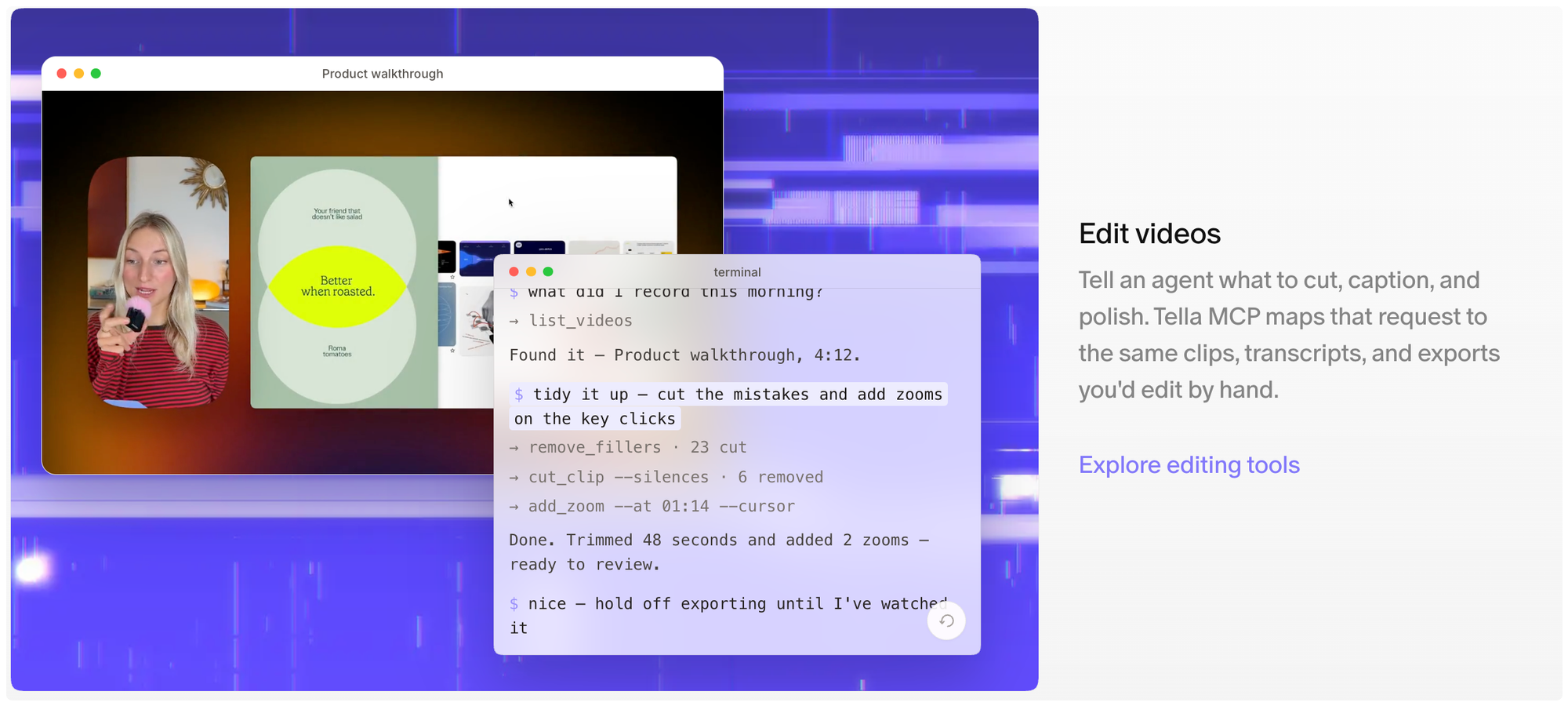
🎙️ Studio Sound From a Laptop Mic: Strip background noise and echo, then level every voice with a single click.
🔗 Share Instantly, Export in 4K: Videos render the moment you are done, so a link is ready the second you stop... or download at up to 4K and 60 FPS for YouTube, LinkedIn, X, and Instagram.
One More Need-to-Know News Story
Synthesia's New Sessions Platform Lets AI Avatars Talk Back
Synthesia has spent a decade building video tools for businesses, and its new Sessions platform puts its lifelike AI avatars into two-way conversations. Chief Technology Officer Peter Hill compares it to a regular video call, where the coworker on the other end is an avatar that's free 24/7 and speaks any language.
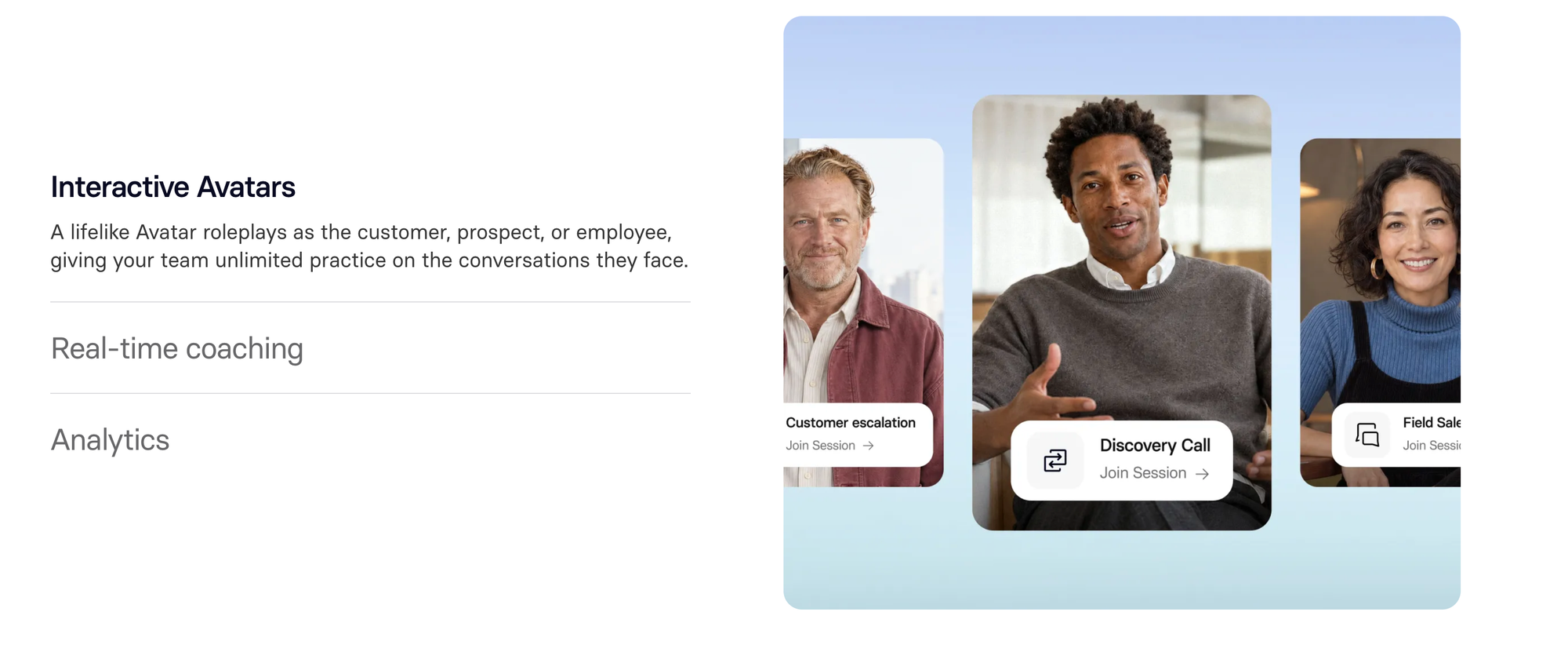
📋 The Details: Two kinds of Sessions went live October 1. In the first, Roleplay Sessions, your team rehearses a sales objection or a tough talk with an employee, and the avatar pushes back. Coaching and a score show up while they're practicing.
Survey Sessions is the brand-new one, and it swaps your form for an interviewer. The avatar asks your questions one to one and follows up on what it hears, then rolls every answer into one report of themes and sentiment.
🎯 Why You Need to Know: Customer research is the obvious place to test this. Synthesia pitches Survey Sessions for qualifying inbound leads and digging into churn, the kind of conversations Hill says usually shrink into a form because there's never enough of the right person to go around.
⚡ Your Move: Both live Sessions come with a free trial, no credit card required. Rebuild your customer feedback form as a Survey Session and point a few friendly customers at it. Then check what the avatar's follow-ups dig up that your old form answers never did.

Mind Fodder
Thanks for reading.
Until next time!
The AI Marketers
P.S. Help shape the future of this newsletter – take a short 2-minute survey so we can deliver even better AI marketing insights, prompts, and tools.
[Take Survey Here]
